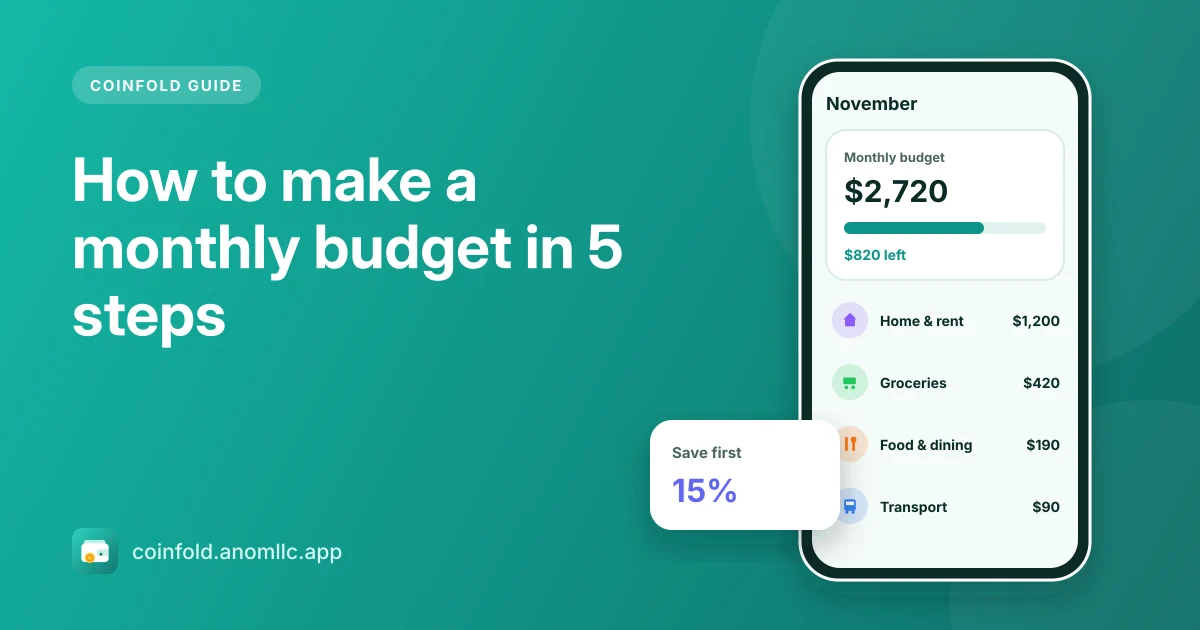
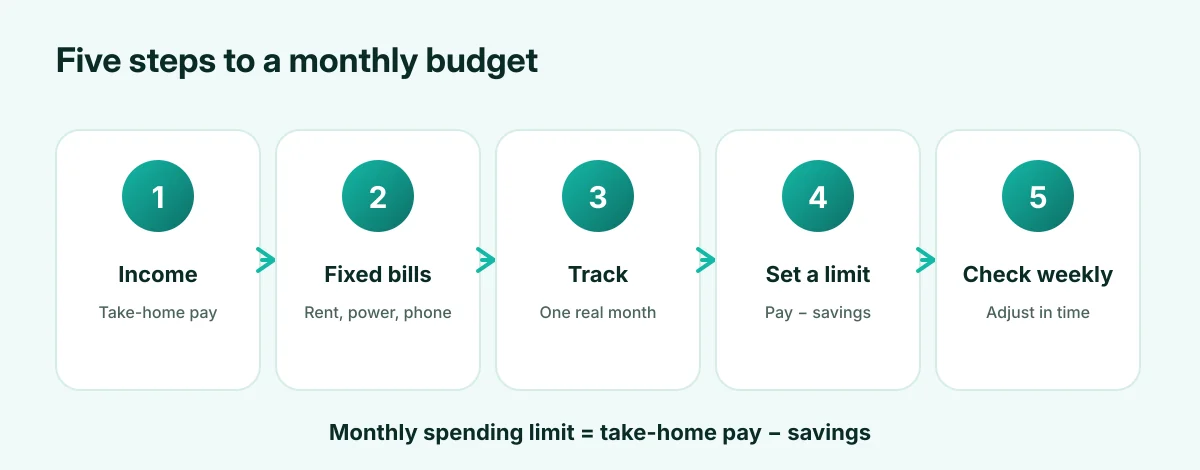
To make a monthly budget: (1) add up your take-home income, (2) list your fixed bills, (3) track one month of everyday spending, (4) set a spending limit that leaves room for savings, and (5) check it once a week. The most common mistake is guessing your spending instead of measuring it. A budget built on a real month of numbers is one you can actually keep.
1. Work out your monthly income
Use take-home pay, after tax and deductions. If your income changes from month to month, use a low month, not an average, so the budget still works in a lean month.
2. List your fixed bills
Rent, electricity, water, phone, internet, insurance, loan payments, school fees and subscriptions. These are the same (or nearly) every month. Add them up. What's left after fixed bills is what you really have for everything else.
3. Track one month of everyday spending
Groceries, food out, transport, shopping, fun. These are the flexible categories, and where most budgets go wrong. Record each spend the day it happens for one month (our tracking guide shows how). You'll probably find one or two categories much higher than you thought.
4. Set your spending limit
Decide how much you want to save each month first; 10 to 20% of take-home pay is a common target. Then:
Monthly spending limit = take-home pay − savings
Compare it with what you actually spent in step 3. If your real spending is higher, pick the one or two biggest flexible categories and decide where to trim. Small, specific changes ("cook at home three nights a week") work better than vague ones ("spend less").
Example
| Amount | |
|---|---|
| Take-home pay | $3,200 |
| Savings goal (15%) | $480 |
| Monthly spending limit | $2,720 |
| Fixed bills | $1,650 |
| Left for everyday spending | $1,070 |
If last month's everyday spending was $1,300, you need to find $230: maybe $150 less on eating out and $80 less on shopping.
5. Check it once a week
A budget you look at only at the end of the month is a report, not a plan. Once a week, check how much of the limit is left and how many days are left. If you're ahead, carry on. If you're behind, ease off the flexible categories for the rest of the month.
Doing it in Coinfold
- Set your limit: tap the budget card on Home and enter your monthly spending limit.
- Watch the bar: it fills as you add expenses and shows how much is left, or turns red and shows how far over you are.
- Find where to trim: Reports lists spending by category, biggest first.
- Compare months: the six-month view shows whether a change is working.
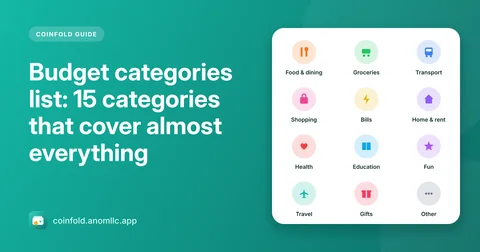
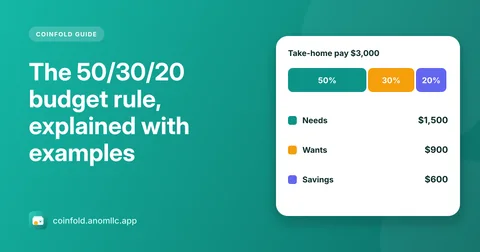
Not sure how to split your money? The 50/30/20 rule is a good starting point, and the budget categories list helps you sort your spending.