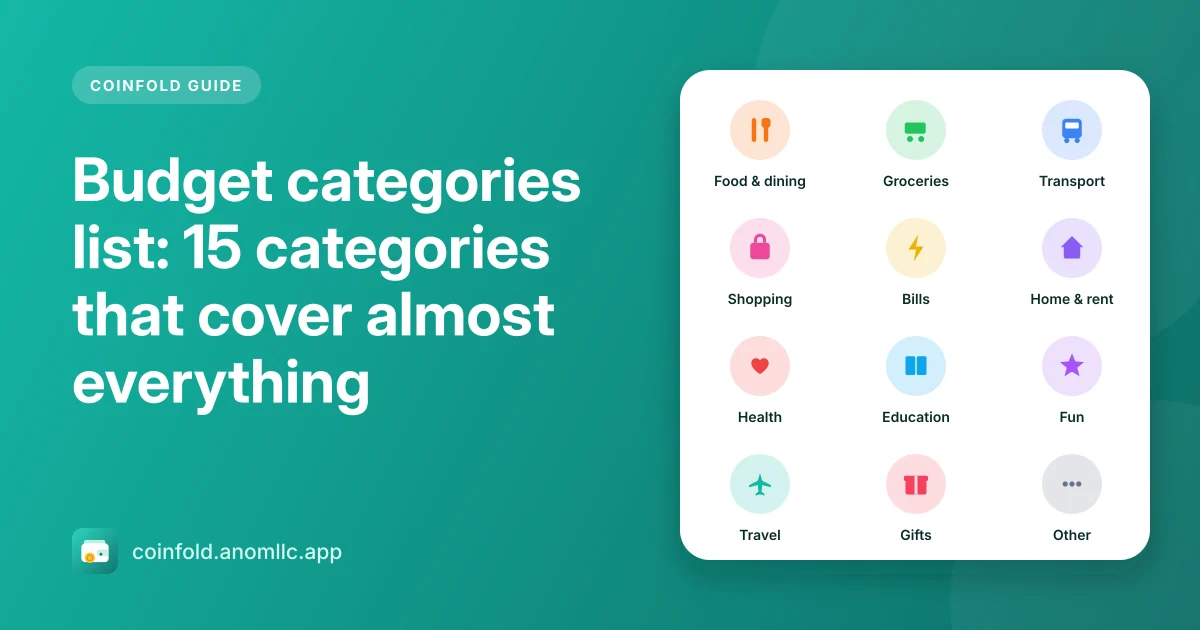
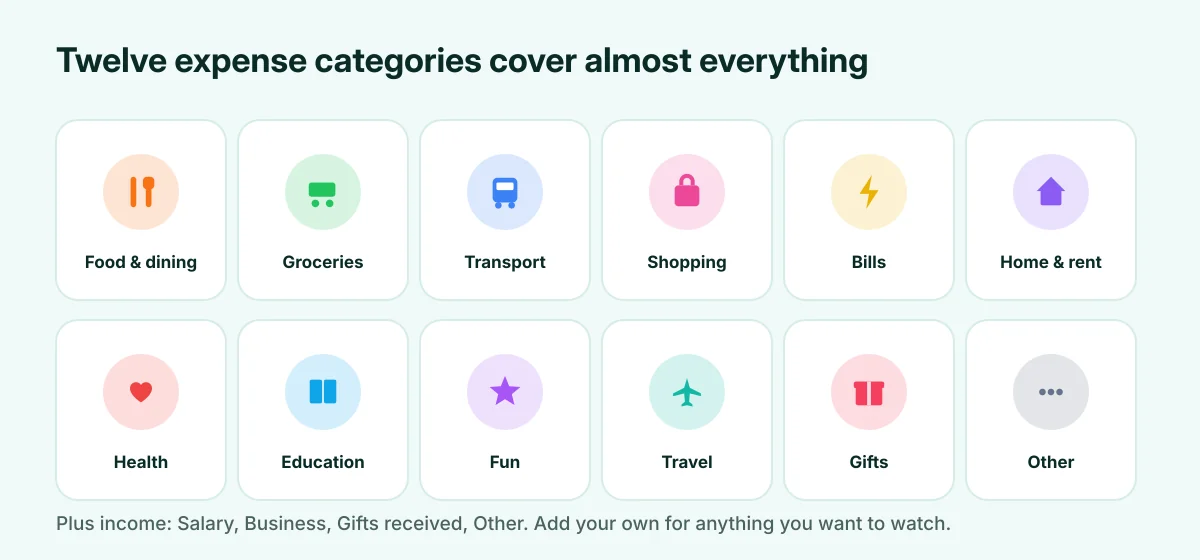
Most people can track every expense with 12 to 15 categories. Fewer and the reports tell you nothing; more and you'll spend time deciding where things go. Start with the list below, then add your own only for spending you want to watch closely.
Expense categories
| Category | What goes in it | Need or want? |
|---|---|---|
| Food & dining | Restaurants, takeaway, coffee, snacks | Mostly want |
| Groceries | Food and household supplies for home | Need |
| Transport | Fuel, bus, train, taxi, parking, car service | Need (mostly) |
| Shopping | Clothes, gadgets, things for yourself | Mostly want |
| Bills | Electricity, water, gas, phone, internet | Need |
| Home & rent | Rent or mortgage, repairs, furniture | Need |
| Health | Doctor, medicine, pharmacy, gym | Need (gym: want) |
| Education | School fees, courses, books | Need |
| Fun | Films, games, streaming, hobbies, nights out | Want |
| Travel | Holidays, trips, hotels | Want |
| Gifts | Presents, donations, celebrations | Want |
| Other | Anything that fits nowhere else | Check monthly |
Income categories
- Salary: your regular pay.
- Business: income from your own work or shop.
- Gifts received: money given to you.
- Other income: refunds, selling things, interest.
Categories worth adding yourself
Add a category when one kind of spending is big enough or frequent enough that you want to see it on its own:
- Kids: school supplies, clothes, activities.
- Pets: food, vet, grooming.
- Subscriptions: streaming, apps, memberships. Seeing them together is often a surprise.
- Debt payments: loan or card repayments.
- Savings: money moved to savings, if you want it in the same place as your spending.
Three rules for clean categories
- Decide once, then be consistent. Is a supermarket sandwich "Groceries" or "Food & dining"? Either is fine, as long as it's always the same.
- Keep "Other" small. If Other is one of your top three categories, something in it deserves its own category.
- Don't split too fine. "Coffee" and "Lunch" as separate categories rarely change what you do; "Food & dining" is enough.
Categories in Coinfold
Coinfold starts with the 16 categories above: 12 for expenses and 4 for income, each with an icon and a colour. In Settings > Categories you can add your own with a name and an icon, rename them or delete them; entries from a deleted category move to Other, so nothing is lost. Reports then shows your spending by category, biggest first.
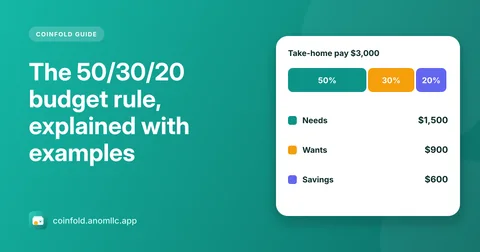
Next: put your categories to work with the 50/30/20 rule or a monthly budget.